
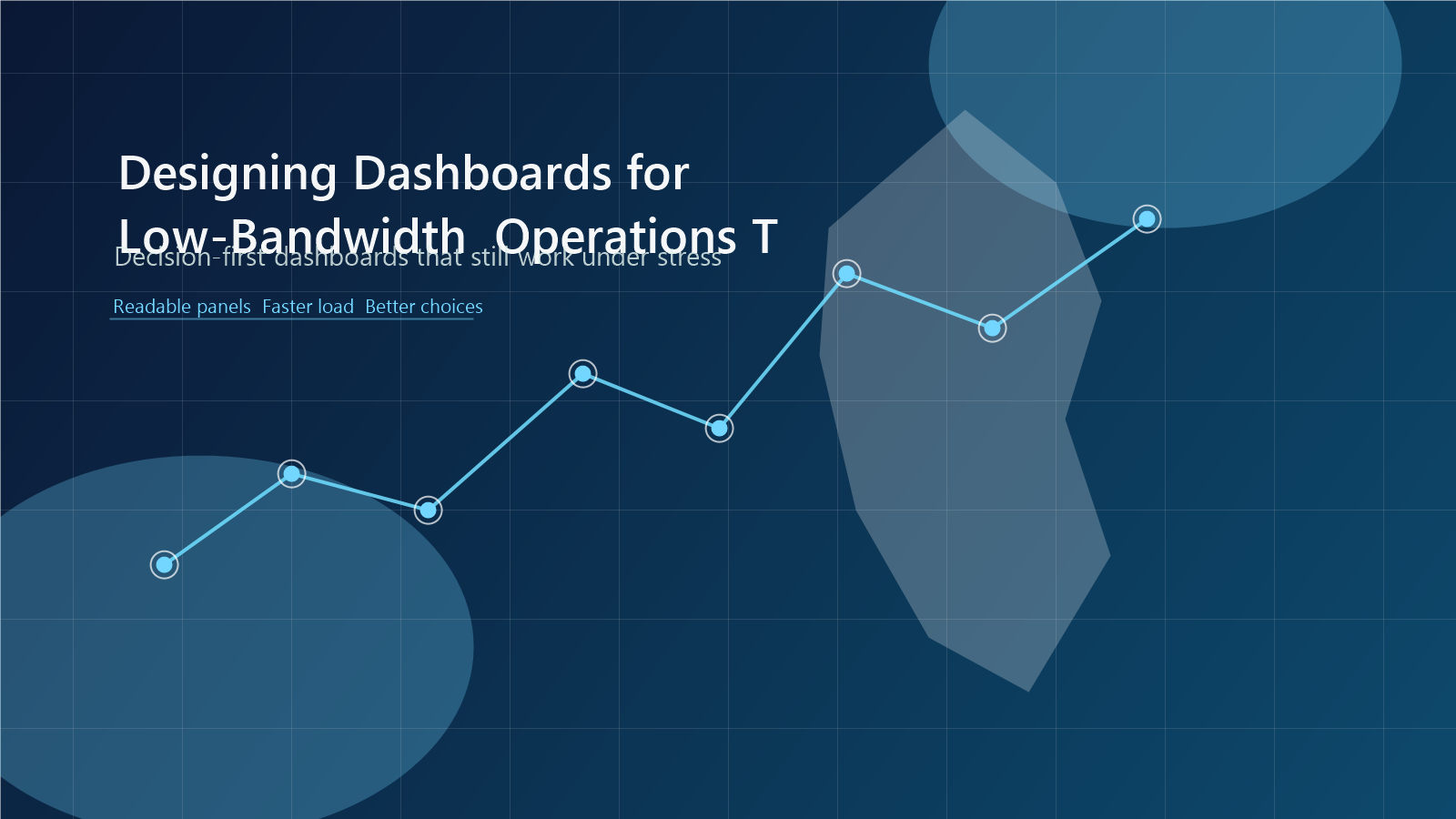
Designing Dashboards for Low-Bandwidth Operations Teams
Operational dashboards should stay legible and useful even when teams are working with slow links, limited screens, and incomplete data.
A dashboard that looks impressive in a well-connected office can become nearly useless in a low-bandwidth environment. Observability design has to account for how operators actually work.
Many teams across Africa troubleshoot from shared office links, home internet, mobile hotspots, or field environments where connectivity quality varies sharply. In those moments, the dashboard should reduce complexity, not amplify it.
Where teams get stuck
Heavy dashboards with dozens of panels, frequent refreshes, dense queries, and unclear hierarchy can become difficult to load and harder to interpret during an incident. Teams lose time navigating interfaces instead of understanding system behavior.
What works in practice
Put decision-critical metrics first
The first screen should answer whether the service is available, degraded, or failing in a way that affects real users. Secondary detail can live deeper in the workflow.
Reduce visual clutter and query overhead
Fewer panels with stronger signal often perform better than expansive boards built for completeness. Minimalism helps both page load time and human comprehension.
Pair dashboards with drill-down paths
High-level health indicators are only useful when engineers know where to go next. A dashboard should lead naturally into logs, traces, and service ownership context.
What to do next
- Review your main incident dashboard on a slow connection and note what breaks first.
- Remove panels that do not change decisions during a live incident.
- Create one compact dashboard for leadership and one operational view for engineers.
Dashboards are not poster walls. They are decision tools, and in constrained environments that distinction matters even more.
Need help improving observability in constrained environments?
Observability Africa works with telecom, fintech, energy, and platform teams to improve monitoring, alerting, incident response, and operational resilience.
Explore our services or contact us to discuss your current observability challenges.

About Abe Apithy
Abe Apithy is the founder of Observability Africa, a platform dedicated to helping telecom, fintech, and energy organizations design and scale resilient, high-performance digital infrastructure. His work focuses on enabling real-time system visibility, operational reliability, and performance optimization in environments where downtime, latency, and inefficiency…
Related guides

Trace the Message, Not Just the Request: Observability Across Queues
Asynchronous systems break the straight line between request and response. Learn how to preserve trace context, model message processing, and detect failures across queues.

OpenTelemetry Collector Memory Limits: Preventing Backpressure from Becoming Data Loss
A practical guide to configuring OpenTelemetry Collector memory limits, understanding backpressure, and preventing data loss during traffic bursts or backend outages.
OpenTelemetry Service Naming: A Practical service.name Standard
Inconsistent OpenTelemetry service identity breaks service maps, dashboards, alert ownership, and incident response. Use a small identity contract to make telemetry dependable.